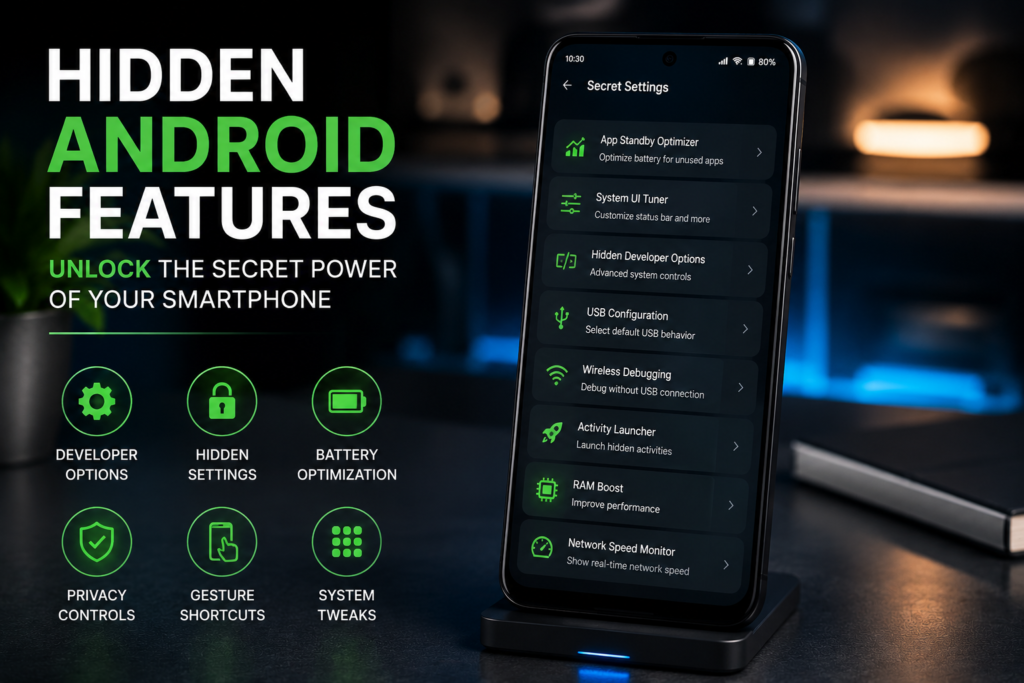
Hidden Android Features You Should Know in 2026
Android is one of the most powerful and customizable mobile operating systems in the world. While most users are familiar with basic features like widgets, notifications, and app management, Android also includes many hidden tools and shortcuts that can significantly improve your smartphone experience.
From productivity boosts to privacy controls and smart gestures, these hidden Android features can help you use your device more efficiently and unlock capabilities you may never have known existed.
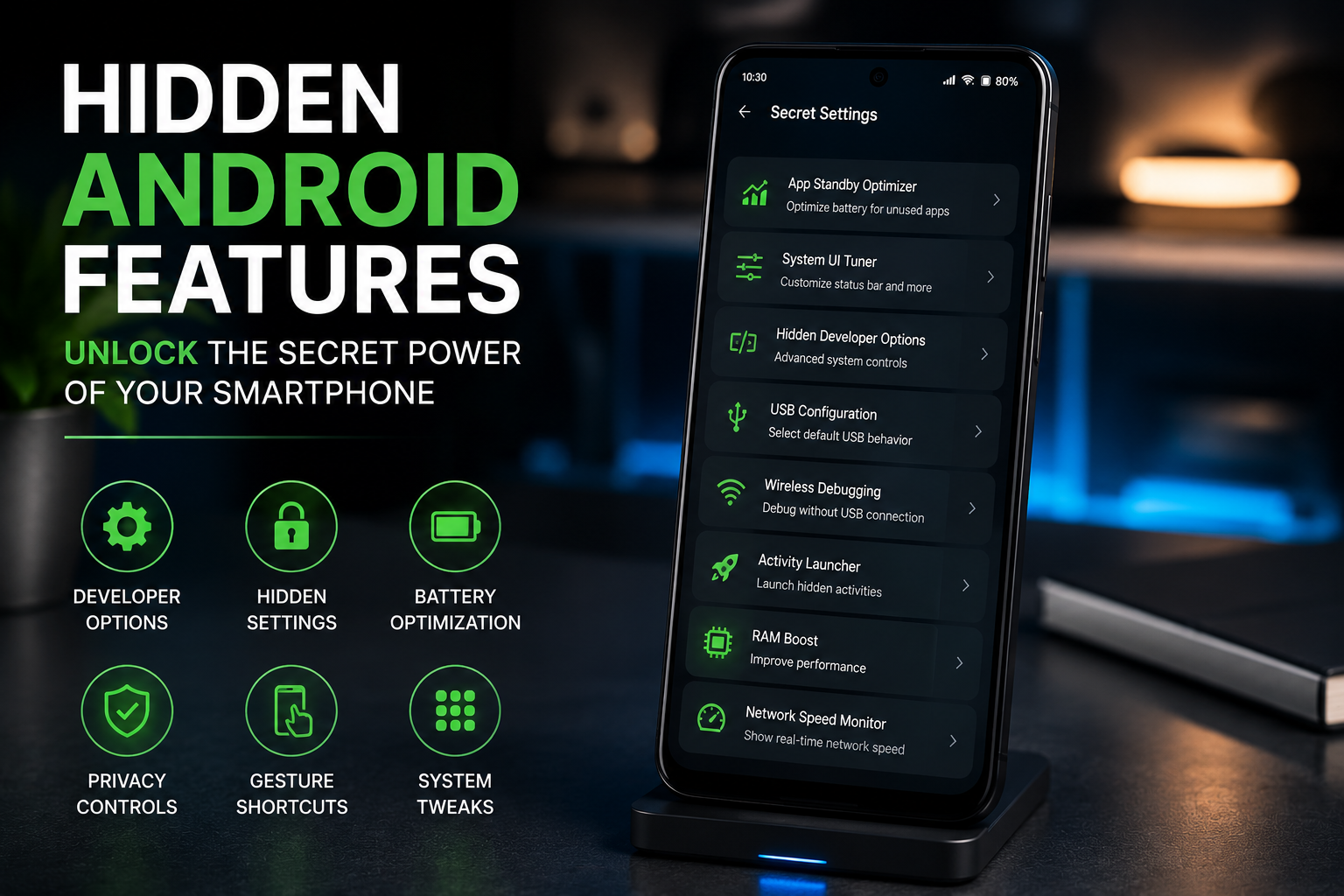
🚀 Quick Highlights
✔ Split-screen multitasking.✔ Built-in screen recording.
✔ App pinning for security.
✔ One-handed mode.
✔ Live Caption feature.
✔ Hidden developer options.
📱 1. Split-Screen Multitasking
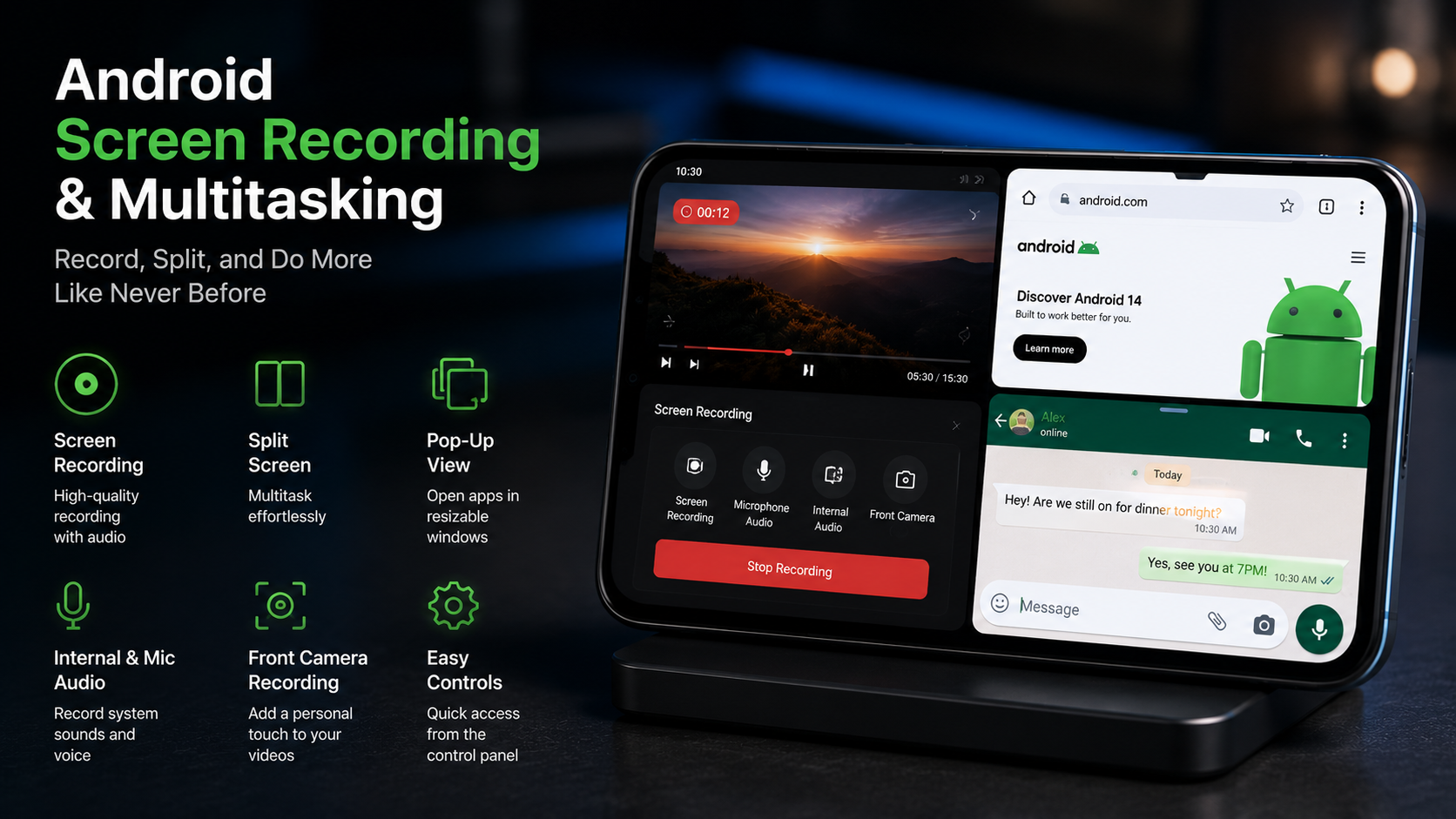
Need to watch a video while taking notes? Android allows two apps to run simultaneously using split-screen mode.
Open Recent Apps → Tap App Icon → Select “Split Screen” → Choose Second App.
This feature is perfect for students, professionals, and multitaskers.
🎥 2. Built-In Screen Recorder
Many Android users install third-party apps for screen recording without realizing Android already includes this feature.
✔ Create tutorials
✔ Record gameplay
✔ Save video calls
✔ Report software bugs
🔒 3. App Pinning
App Pinning allows you to lock the phone to a single app, preventing others from accessing the rest of your device.
Handing your phone to friends, children, customers, or colleagues without exposing personal data.
✍️ 4. Live Caption
Android can automatically generate captions for videos, podcasts, and audio content in real time.
Live Caption works even when content doesn’t include subtitles.
🤳 5. One-Handed Mode
Large smartphones can be difficult to use with one hand. One-Handed Mode temporarily shrinks the screen for easier navigation.
Users with large-screen phones who frequently use their device while walking or commuting.
📶 6. Wi-Fi Sharing via QR Code
Instead of typing long passwords, Android allows users to share Wi-Fi credentials instantly using QR codes.
Wi-Fi Settings → Connected Network → Share → QR Code.
⚡ 7. Quick App Switching
You can instantly switch between your two most recent apps using simple gestures.
Switch quickly between messaging apps, browsers, documents, and media apps without opening the recent apps menu.
🎯 8. Notification History
Accidentally dismissed an important notification? Android can keep a history of recently received notifications.
Settings → Notifications → Notification History.
🛡️ 9. Privacy Dashboard
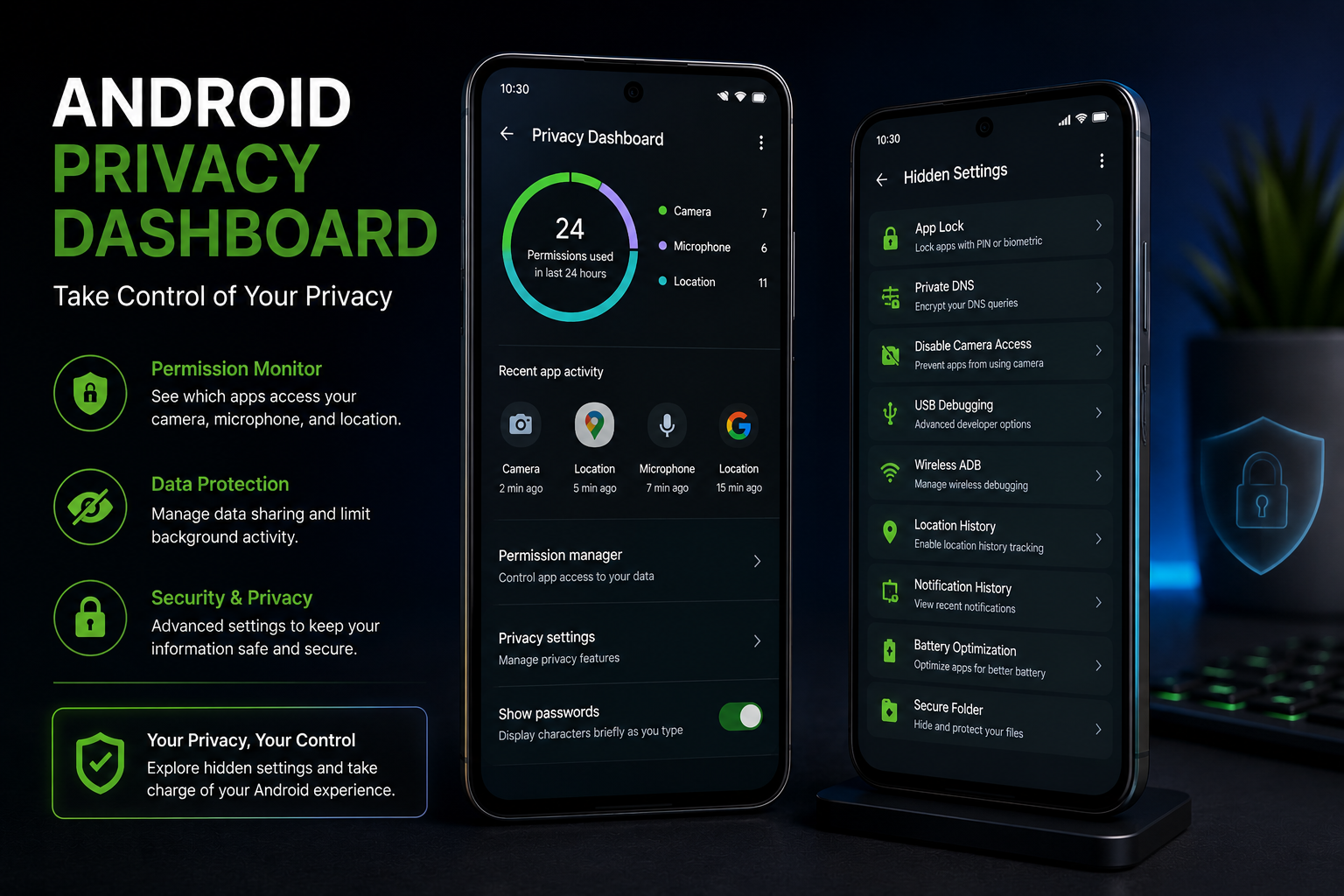
Modern Android versions include a privacy dashboard showing which apps access your camera, microphone, and location.
Regularly review permissions and revoke access for apps that don’t need sensitive data.
⚙️ 10. Developer Options
Developer Options unlock advanced settings that can improve performance and reveal useful debugging tools.
Settings → About Phone → Tap Build Number 7 Times.
| Developer Feature | Benefit |
|---|---|
| Animation Scale | Faster UI Feel |
| USB Debugging | Advanced Device Access |
| Show Refresh Rate | Monitor Display Performance |
| Force Dark Mode | Battery Savings |
🏆 Most Useful Hidden Android Features
🥈 Notification History
🥉 Privacy Dashboard
🏅 Live Caption
🏅 Built-in Screen Recorder
📱 Final Verdict
Android offers far more hidden features than most users realize. From multitasking tools and privacy controls to advanced customization and productivity enhancements, these features can transform how you use your smartphone.Taking a few minutes to explore these settings can help you work faster, protect your privacy, and get more value from your Android device.
Frequently Asked Questions
Do all Android phones have these features?
Most modern Android devices include many of these features, although availability may vary by manufacturer and Android version.
Is Developer Mode safe?
Yes, but users should only modify settings they understand to avoid unexpected behavior.
Can hidden Android features improve battery life?
Yes. Features such as Dark Mode, Battery Saver, and permission management can help reduce battery consumption.
Conclusion
Android’s flexibility is one of its greatest strengths. By learning and using these hidden features, you can improve productivity, enhance privacy, simplify daily tasks, and unlock the full potential of your smartphone. Whether you’re a casual user or a tech enthusiast, these Android tricks are worth exploring.