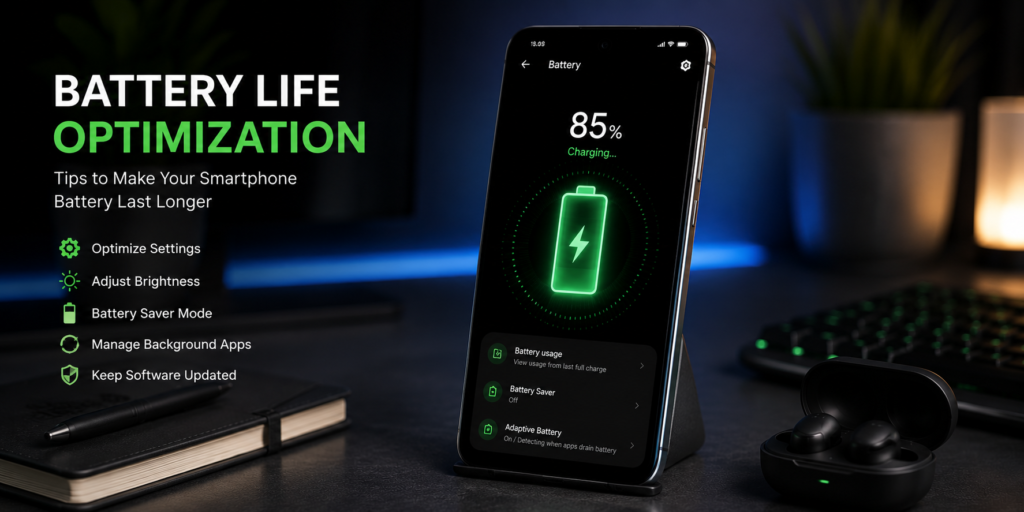
Tips to Improve Smartphone Battery Life: Make Your Phone Last Longer
Battery life is one of the most important factors when using a smartphone. Whether you’re a student, professional, gamer, or casual user, a phone that runs out of battery quickly can be frustrating. Fortunately, you don’t always need a bigger battery to get longer usage.
By making a few simple adjustments to your settings and usage habits, you can significantly improve battery life and keep your smartphone running throughout the day.
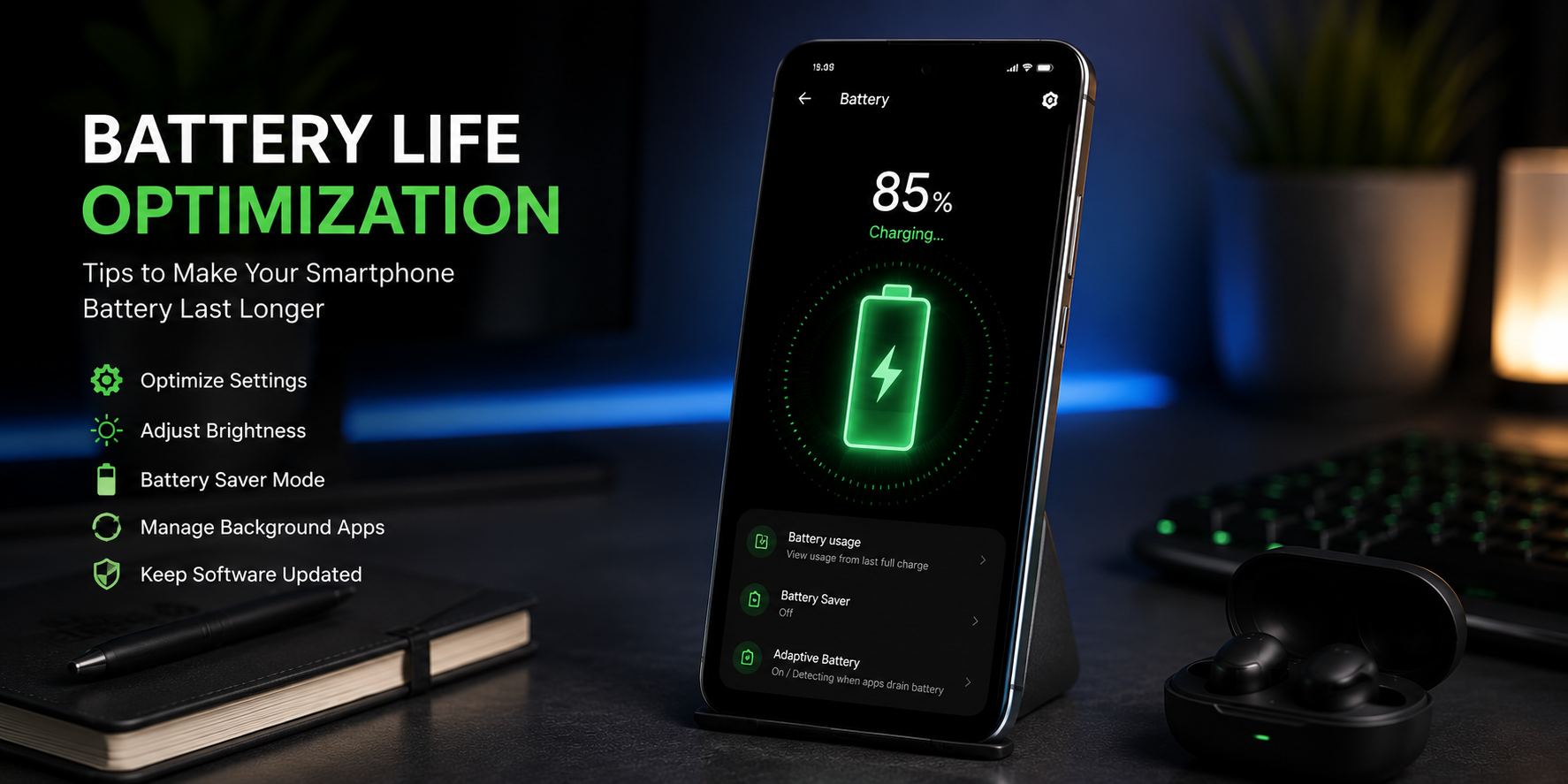
🔋 Quick Battery Saving Tips
✔ Lower screen brightness.✔ Enable Battery Saver Mode.
✔ Reduce background app activity.
✔ Turn off unused features like Bluetooth and GPS.
✔ Keep apps and software updated.
✔ Avoid extreme temperatures.
☀️ 1. Reduce Screen Brightness
The display is usually the biggest battery consumer on any smartphone. Keeping brightness at maximum all day can drain your battery much faster.
Use Auto-Brightness or manually keep brightness between 40% and 70% whenever possible.
🌙 2. Use Dark Mode
If your smartphone has an AMOLED or OLED display, Dark Mode can help reduce power consumption while also being easier on the eyes.
Dark Mode can help reduce battery usage, especially on AMOLED screens.
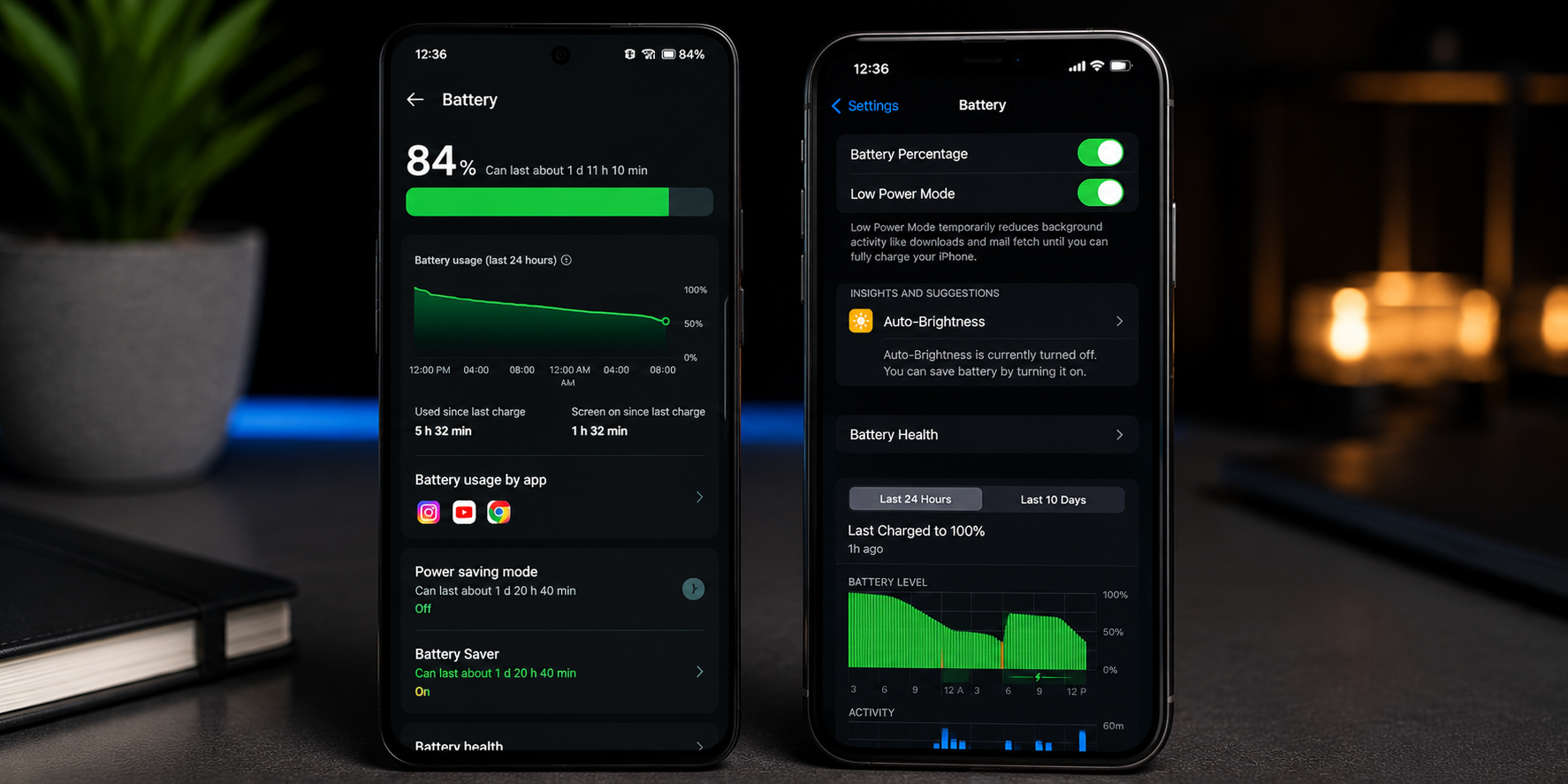
⚡ 3. Enable Battery Saver Mode
Most Android phones and iPhones include a Battery Saver or Low Power Mode that automatically limits background activity and unnecessary processes.
Enable Battery Saver when battery drops below 30%.
📱 4. Close or Restrict Background Apps
Many apps continue running in the background even when you’re not actively using them.
- Social media apps
- Messaging apps
- Location-based services
- Cloud syncing applications
Review battery usage settings and restrict apps that consume excessive power.
📍 5. Disable GPS When Not Needed
Location services constantly communicate with satellites and can significantly impact battery life.
Use GPS only when needed for navigation, ride-sharing, or location-based apps.
📶 6. Turn Off Unused Connectivity Features
Wireless features consume power even when you’re not actively using them.
| Feature | Turn Off When Not Needed |
|---|---|
| Bluetooth | ✅ |
| NFC | ✅ |
| Wi-Fi | ✅ |
| Mobile Hotspot | ✅ |
| GPS | ✅ |
🔄 7. Keep Apps Updated
Developers regularly release updates that improve battery efficiency and performance.
Enable automatic updates through the Google Play Store or Apple App Store.
🌡️ 8. Avoid Extreme Temperatures
Heat is one of the biggest enemies of smartphone batteries. High temperatures can permanently reduce battery health over time.
Avoid leaving your phone in direct sunlight, parked cars, or excessively hot environments.
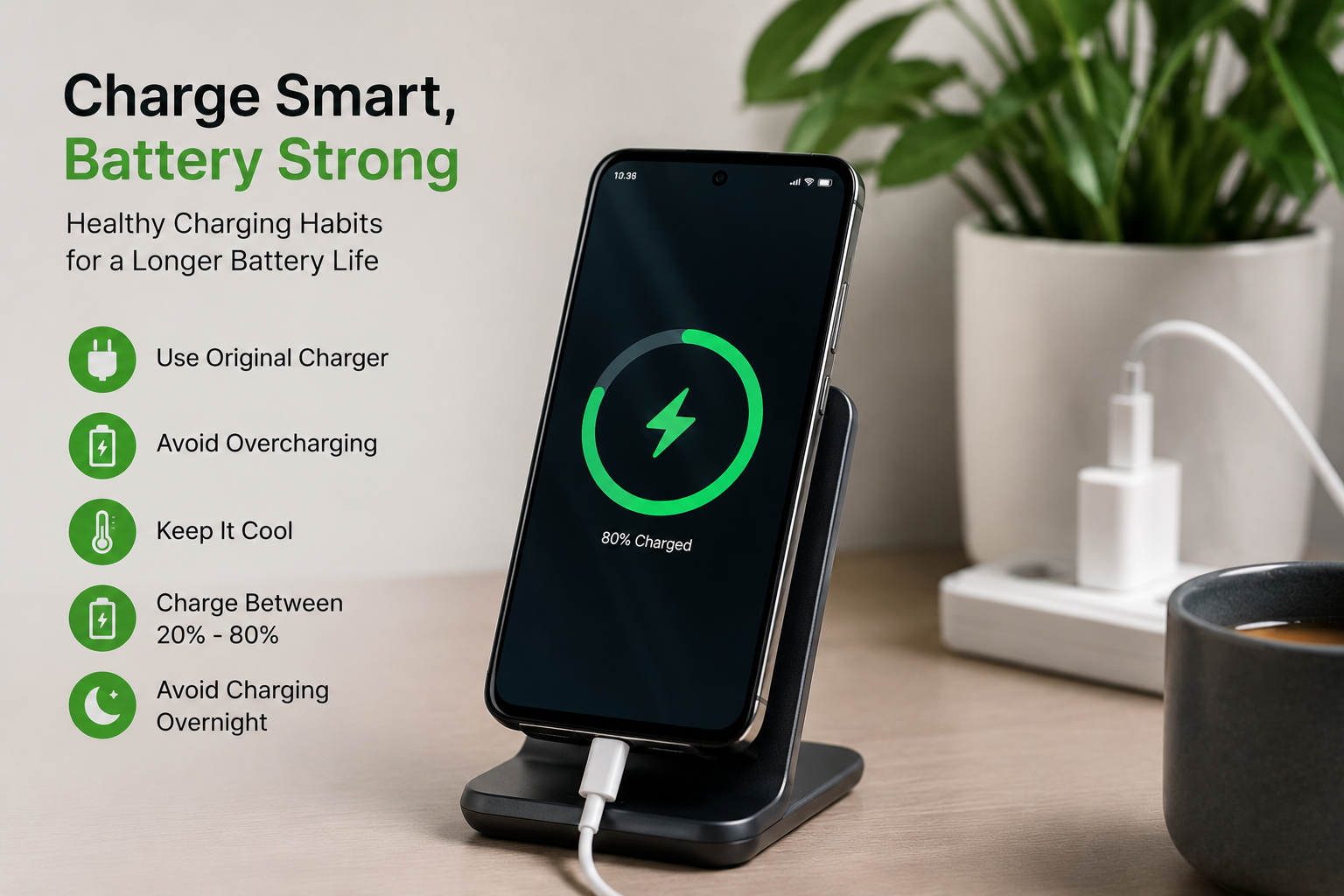
🔌 9. Charge Smartly
Modern smartphones use advanced battery management systems, but good charging habits can still help preserve long-term battery health.
- Avoid frequent 0% discharges
- Try to keep battery between 20% and 80%
- Use original or certified chargers
- Avoid excessive overnight charging if possible
🎮 10. Reduce Gaming and High-Performance Usage
Gaming, video editing, and intensive applications consume more power than normal smartphone activities.
Lower graphics settings and reduce screen brightness during extended gaming sessions.
📊 Biggest Battery Drainers
| Feature | Battery Impact |
|---|---|
| Screen Brightness | ⭐⭐⭐⭐⭐ |
| Gaming | ⭐⭐⭐⭐⭐ |
| GPS Navigation | ⭐⭐⭐⭐ |
| Video Streaming | ⭐⭐⭐⭐ |
| Background Apps | ⭐⭐⭐ |
🏆 Best Battery Life Strategy
1️⃣ Reduce screen brightness.2️⃣ Enable Battery Saver Mode.
3️⃣ Limit background apps.
4️⃣ Turn off unused wireless features.
5️⃣ Avoid overheating.
Following these simple habits can significantly improve battery life and help maintain long-term battery health.
Frequently Asked Questions
Does Dark Mode save battery?
Yes, especially on AMOLED and OLED displays where black pixels consume less power.
Is fast charging bad for battery health?
Modern smartphones are designed to handle fast charging safely, but excessive heat can affect battery longevity.
How long should a smartphone battery last?
Most modern smartphone batteries maintain good performance for 2–4 years depending on usage and charging habits.
Conclusion
Improving smartphone battery life doesn’t require complicated changes. Simple adjustments like lowering screen brightness, using Battery Saver Mode, reducing background activity, and avoiding excessive heat can make a noticeable difference. By following these tips, you can enjoy longer battery life throughout the day while also extending your battery’s overall lifespan.