SSD vs HDD: Which Is Better in 2026?
When buying a new laptop, desktop, or upgrading an existing computer, one of the most important decisions is choosing between an SSD and an HDD. While both are used to store your files, applications, and operating system, they differ significantly in speed, performance, durability, and price.
If you’re confused about which storage option is right for you, this guide will break down the key differences and help you make the best choice.
⚡ Quick Summary
✔ SSDs are significantly faster than HDDs.✔ HDDs offer more storage for the same price.
✔ SSDs improve boot times and application performance.
✔ HDDs are suitable for storing large files and backups.
✔ For most users in 2026, SSD is the better choice.
💾 What Is an SSD?
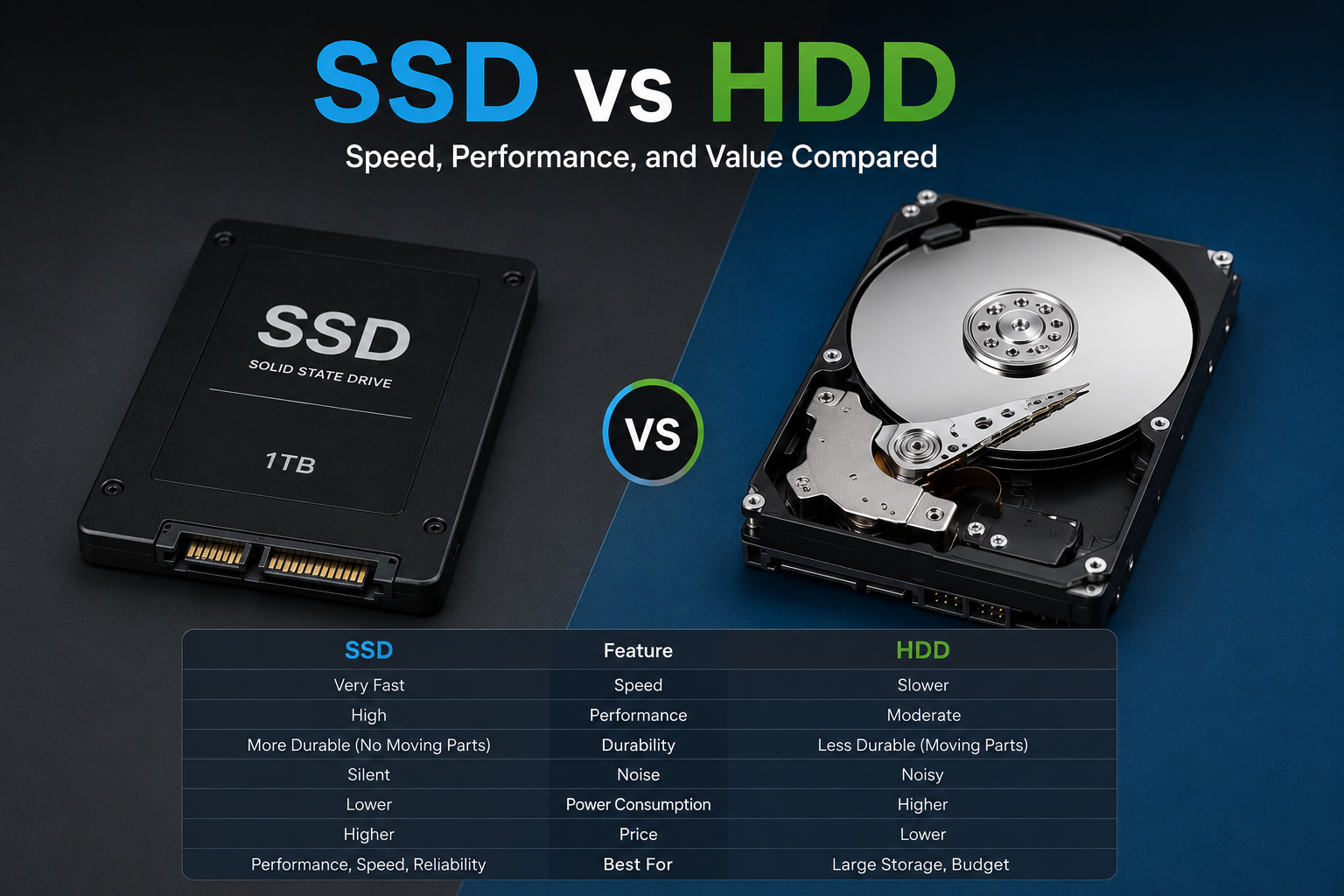
SSD (Solid State Drive) uses flash memory to store data. Since there are no moving parts, SSDs are faster, quieter, and more durable than traditional hard drives.
Advantages of SSD
✔ Extremely fast boot times✔ Faster application loading
✔ Silent operation
✔ More durable and shock-resistant
✔ Lower power consumption
🗄️ What Is an HDD?
HDD (Hard Disk Drive) stores data on spinning magnetic disks. While slower than SSDs, HDDs remain popular because they provide large amounts of storage at a lower cost.
Advantages of HDD
✔ More storage for less money✔ Great for backups and archives
✔ Ideal for storing large media collections
✔ Available in very high capacities
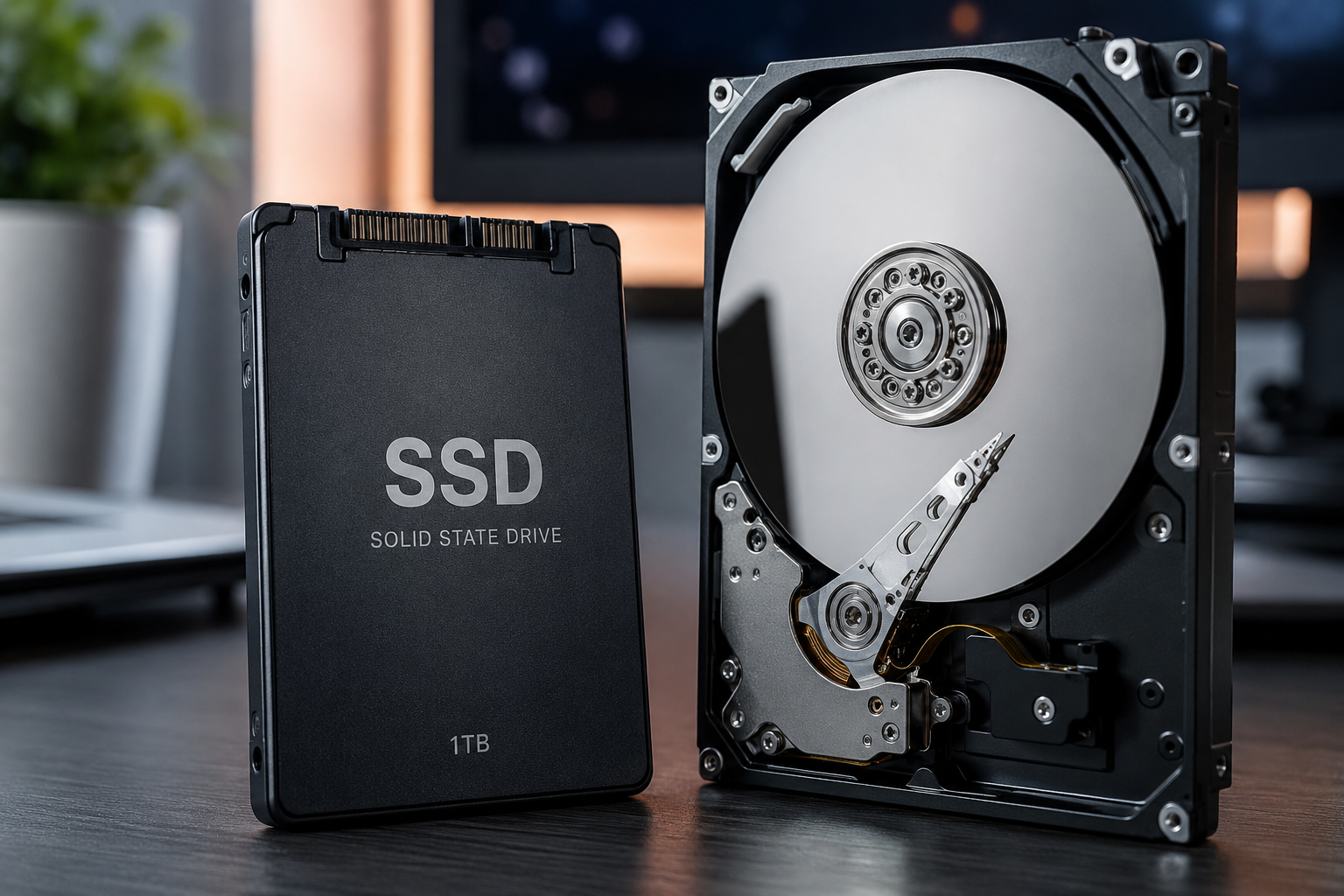
📊 SSD vs HDD Comparison
| Feature | SSD | HDD |
|---|---|---|
| Speed | ⭐⭐⭐⭐⭐ | ⭐⭐ |
| Boot Time | 10-20 Seconds | 40-90 Seconds |
| Durability | ⭐⭐⭐⭐⭐ | ⭐⭐⭐ |
| Noise | Silent | Mechanical Noise |
| Power Efficiency | ⭐⭐⭐⭐⭐ | ⭐⭐⭐ |
| Price Per GB | Higher | Lower |
| Storage Capacity | Good | Excellent |
Upgrading from an HDD to an SSD often makes an old computer feel like a completely new machine. Applications launch faster, Windows boots quicker, and overall responsiveness improves dramatically.
🎮 SSD vs HDD for Gaming
Modern games are becoming larger and more demanding. SSDs significantly reduce loading times and improve the overall gaming experience.
Install your operating system and favorite games on an SSD for the best performance.
💻 SSD vs HDD for Students
Students benefit more from SSDs because they improve boot speed, application responsiveness, and battery life in laptops.
A 512GB SSD is usually the ideal balance between speed and storage.
🎬 SSD vs HDD for Content Creators
Video editors, designers, and content creators often use both SSDs and HDDs. SSDs handle active projects, while HDDs store completed work and large archives.
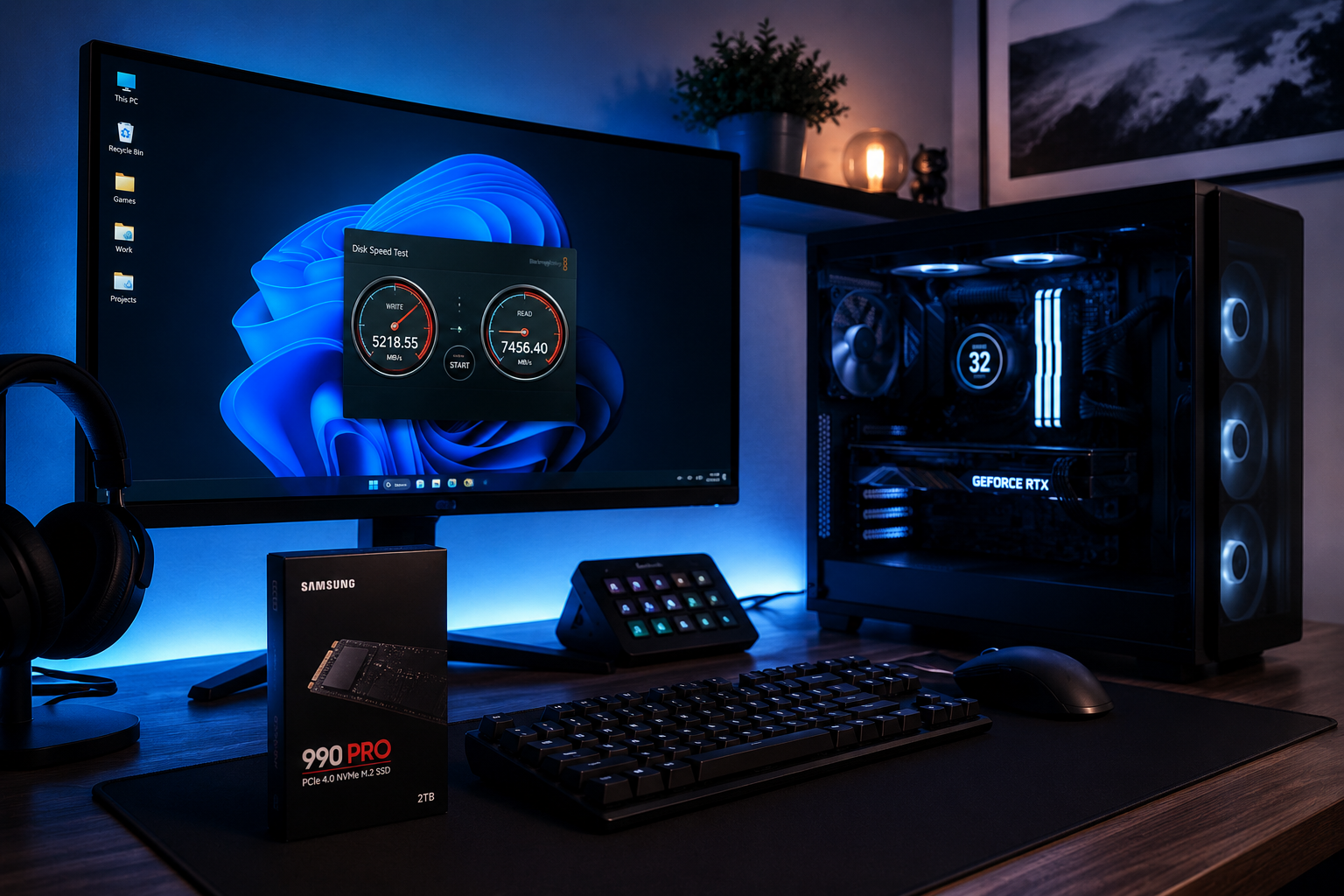
Use an SSD for Windows, software, and frequently used files. Use an HDD for backups, movies, photos, and large data storage.
🏆 Final Verdict
For most users in 2026, an SSD is the clear winner because of its speed, reliability, and overall user experience.Choose an HDD only if you need massive storage at the lowest possible cost.
The ideal setup is often a combination of both: an SSD for performance and an HDD for bulk storage.
Frequently Asked Questions
Can I replace my HDD with an SSD?
Yes. Most laptops and desktops allow you to upgrade from an HDD to an SSD.
Is SSD worth the extra cost?
Absolutely. The speed improvement alone makes SSDs one of the best upgrades you can make.
How much SSD storage do I need?
512GB is ideal for most users, while 1TB is recommended for gamers and content creators.
Conclusion
While HDDs still have a place for affordable mass storage, SSDs have become the standard choice for modern computers. If speed, performance, and responsiveness matter to you, an SSD is the better investment and will significantly improve your overall computing experience.