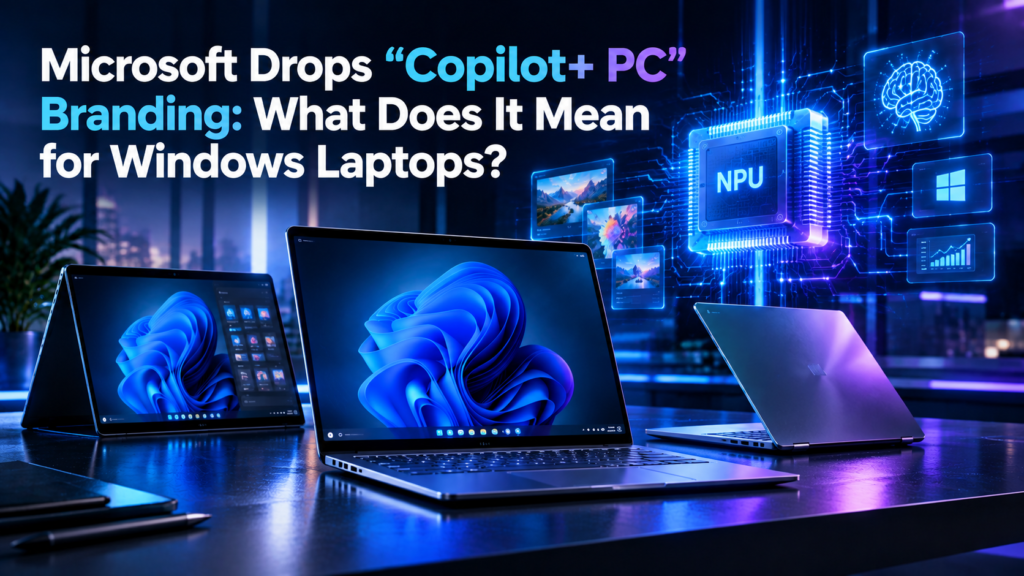
Microsoft Drops “Copilot+ PC” Branding: What Does It Mean for Windows Laptops?
Microsoft is changing how it markets some of its latest Windows PCs. New Surface devices can meet the earlier requirements associated with Copilot+ PCs, but Microsoft is no longer using the “Copilot+ PC” label for these new models.
The change is mainly about branding. Microsoft’s newer Surface computers can still include the hardware needed for modern on-device AI features. For buyers, checking the actual processor, NPU and supported AI features may be more useful than looking only for a marketing label.
What Was Copilot+ PC?
Microsoft introduced the Copilot+ PC category to identify Windows computers designed with hardware capable of handling certain AI workloads locally.
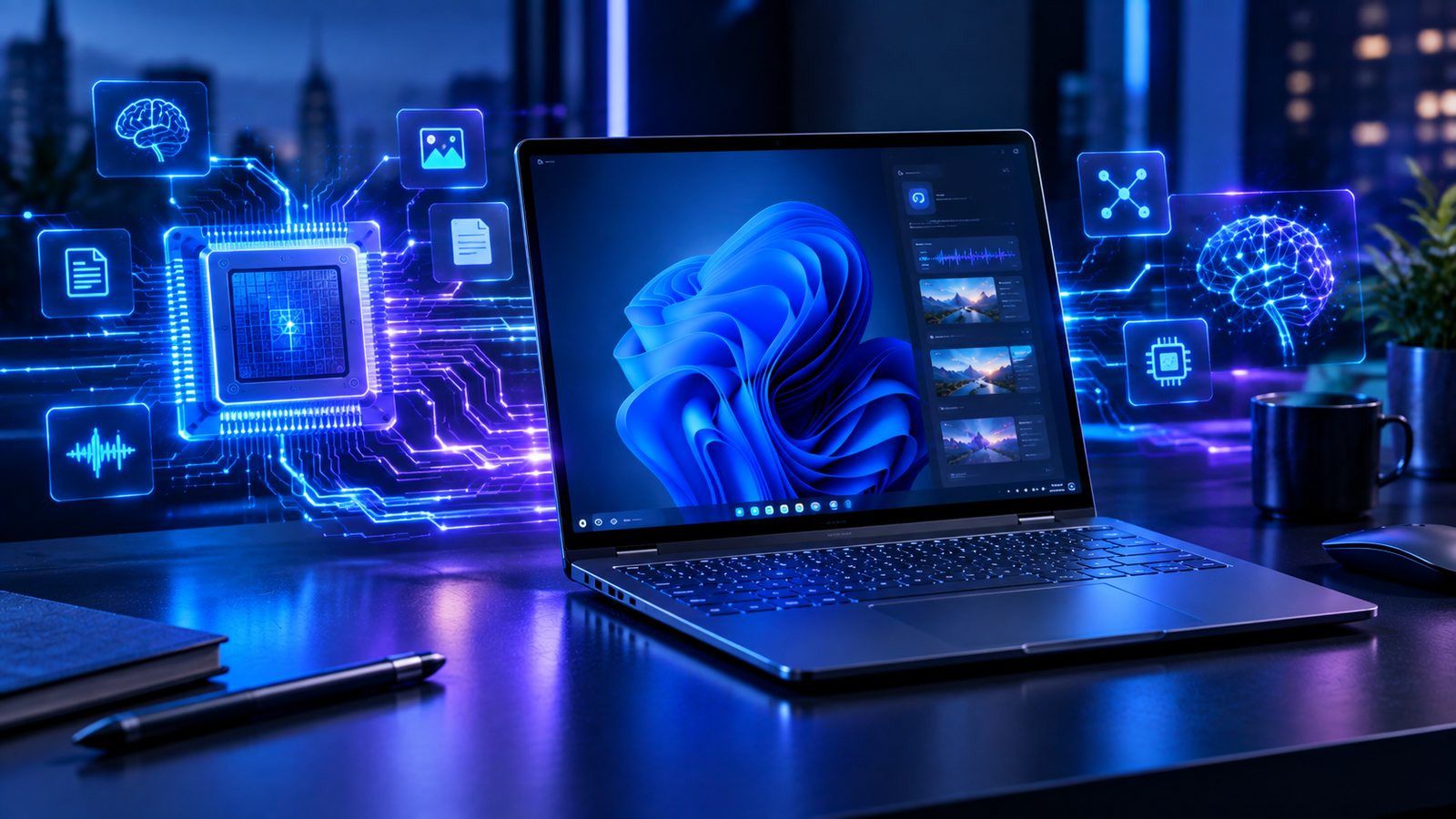
These computers use a Neural Processing Unit, commonly called an NPU, alongside the CPU and GPU. The NPU is designed to efficiently handle supported AI workloads directly on the device.
So, What Has Microsoft Changed?
Microsoft’s latest Surface Pro and Surface Laptop models meet the requirements associated with the previous Copilot+ PC category, but Microsoft is not using the Copilot+ PC branding for these devices.
The “Copilot+ PC” name was used as a recognizable category for Windows computers with specific AI hardware capabilities.
Removing the label does not automatically remove the NPU or the device’s ability to run supported AI workloads.
Look at the actual processor, NPU capabilities, supported AI features and software compatibility before buying.
Branding vs Actual PC Capabilities
| What to Check | Why It Matters |
|---|---|
| Processor | Determines overall computing performance and efficiency. |
| NPU | Handles supported AI workloads directly on the device. |
| AI Features | Different applications support different AI capabilities. |
| Software Support | Windows and individual applications determine which AI features are available. |
Does the Change Affect Windows AI?
The branding change itself does not mean that AI capabilities have disappeared from these PCs. Modern Windows computers can still use dedicated AI hardware for supported features.
The actual experience depends on the processor, NPU, Windows version and applications being used. This is why hardware specifications are important when comparing different AI-focused laptops.
What Should You Check Before Buying an AI PC?
Instead of choosing a laptop only because it carries a particular marketing label, buyers should check its processor, NPU performance, RAM, battery capabilities and the AI features supported by the software they actually use.
A laptop’s real specifications and supported features are more useful for comparison than the name used to market the device.
Final Verdict
Microsoft’s move away from the Copilot+ PC branding is an interesting change in how its latest Windows hardware is presented. For users, the important thing is to look beyond the label and check the actual processor, NPU capabilities and supported AI features when choosing a new Windows laptop.
Frequently Asked Questions
No. The branding change does not mean that AI hardware or on-device AI capabilities have been removed from the new devices.
Yes. The new Surface devices meet the earlier requirements associated with the Copilot+ PC category.
Check the processor, NPU, RAM, battery capabilities and the AI features supported by the software you plan to use.