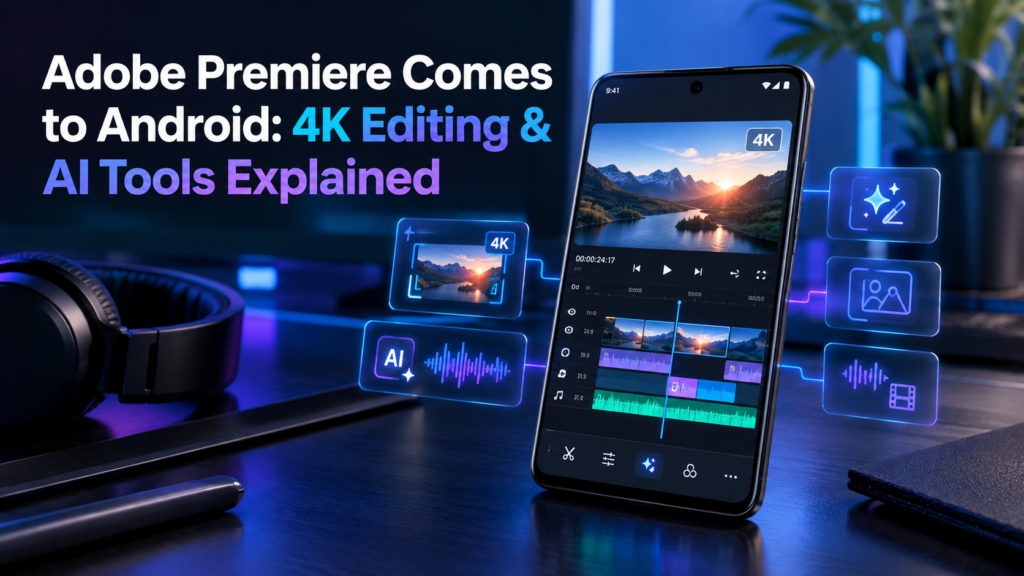
Adobe Premiere Comes to Android: 4K Editing & AI Tools Explained
Adobe Premiere has officially expanded to Android, bringing more advanced video editing tools to smartphone users. The app is designed for creators who want a professional editing workflow without always depending on a PC.
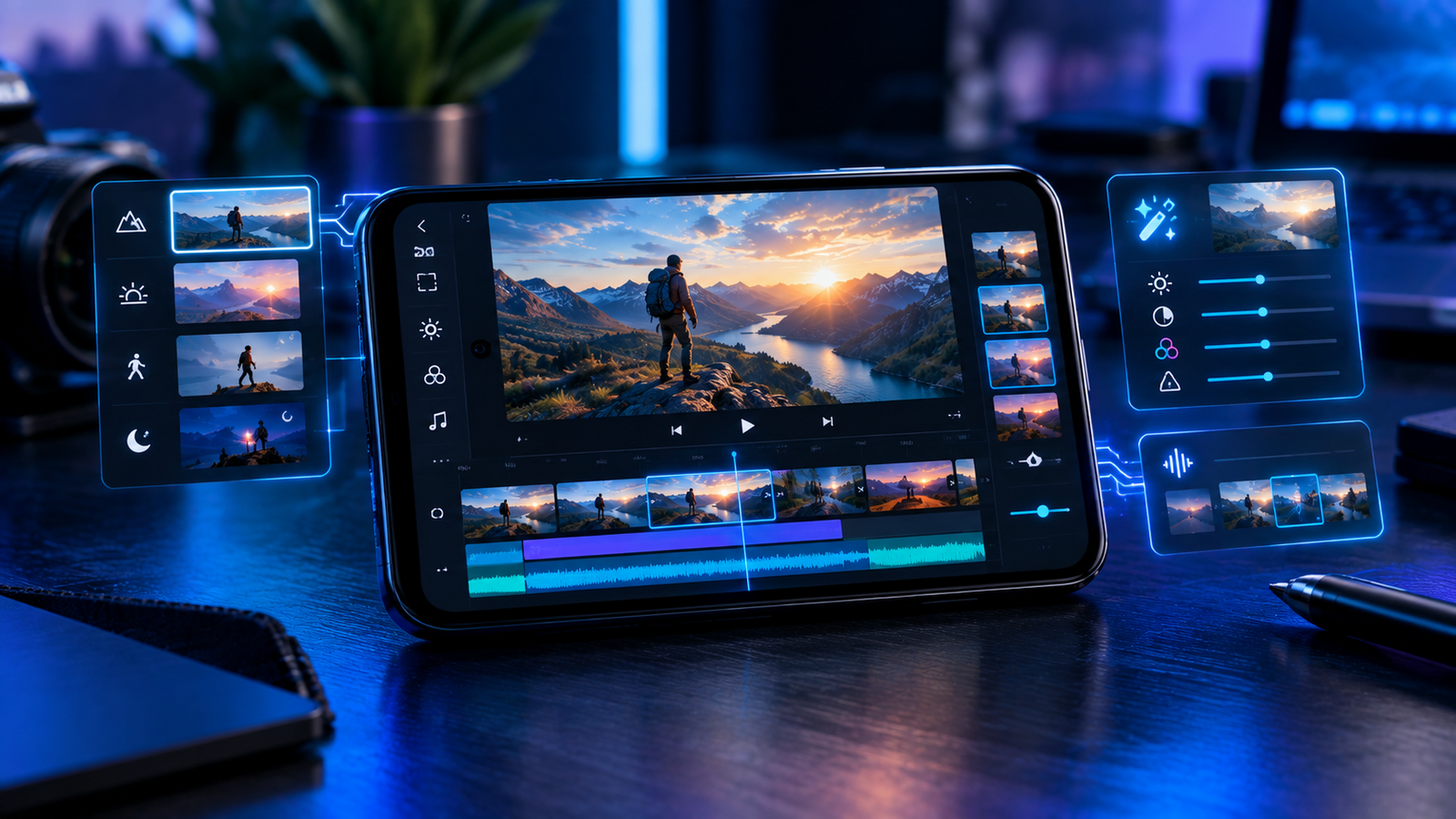
Adobe Premiere on Android brings multi-track editing, 4K export, professional editing controls and AI-powered creative features. It gives mobile creators more flexibility for creating videos, reels and other social media content.
Adobe Premiere Is Now Available on Android
Mobile video editing has become an important part of content creation, and Adobe is now bringing its Premiere editing experience to Android. The app is aimed at creators who want more control than they normally get from basic mobile editing applications.
Users can work with multiple video and audio tracks, make precise edits, add transitions and effects, adjust audio and use templates to speed up their workflow.
4K Editing and Multi-Track Support
One of the biggest highlights is support for 4K video export. The app also provides a multi-track editing workflow, making it possible to combine different video clips, audio tracks and other elements inside the same project.
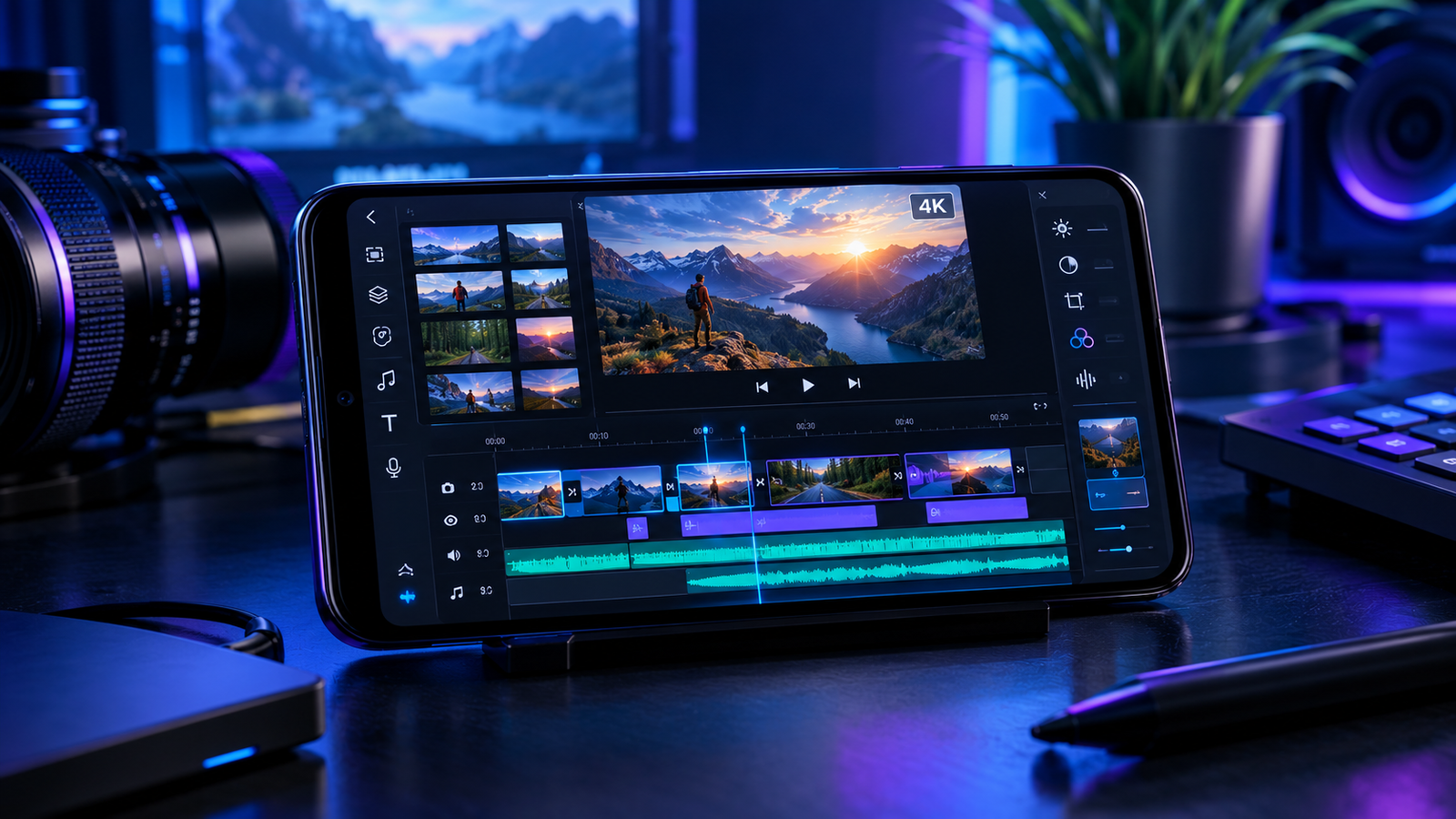
Creators can work with multiple layers of video and audio instead of being limited to a simple single-track editing workflow.
Compatible projects can be exported at 4K resolution, making the app more suitable for high-resolution content creation.
Adobe also brings Firefly-powered generative AI features to help with creative editing workflows.
Adobe Premiere Android: Key Features
| Feature | What It Offers |
|---|---|
| Multi-track Editing | Work with multiple video and audio layers. |
| 4K Export | Export supported projects in 4K resolution. |
| AI Tools | Use AI-powered creative features for editing workflows. |
| Effects & Transitions | Add creative effects and transitions to projects. |
| Templates | Use templates to speed up content creation. |
Who Should Use Premiere on Android?
The Android version can be useful for YouTubers, Instagram creators, freelancers, students and social media managers who regularly edit videos on their smartphones.
It can also be useful for creators who travel frequently and need a more advanced editing workflow without carrying a laptop everywhere.
What About Free and Paid Features?
Adobe provides access to core editing capabilities, while some advanced features require a paid plan. This means users can explore the editing experience first and decide whether they need the additional premium capabilities.
Final Verdict
Adobe Premiere on Android makes advanced video editing more accessible to mobile creators. With multi-track editing, 4K export and AI-powered creative tools, it is aimed at users who want a more capable editing workflow directly on their smartphone.
Frequently Asked Questions
Yes. Adobe has launched Premiere for Android users.
Yes. The Android version supports 4K video export.
Yes. Beginners can start with the basic editing tools and gradually explore the more advanced features.